The complete guide to cyber security for beginners
Learn the basics of cyber security and protect your digital devices with this e-book. From virus protection to strong passwords, youll get tips and tools to protect yourself from online threats and keep your data safe.
Download guide

Move Data Without Loss: How to Plan Your Step-by-Step Transition to New Systems

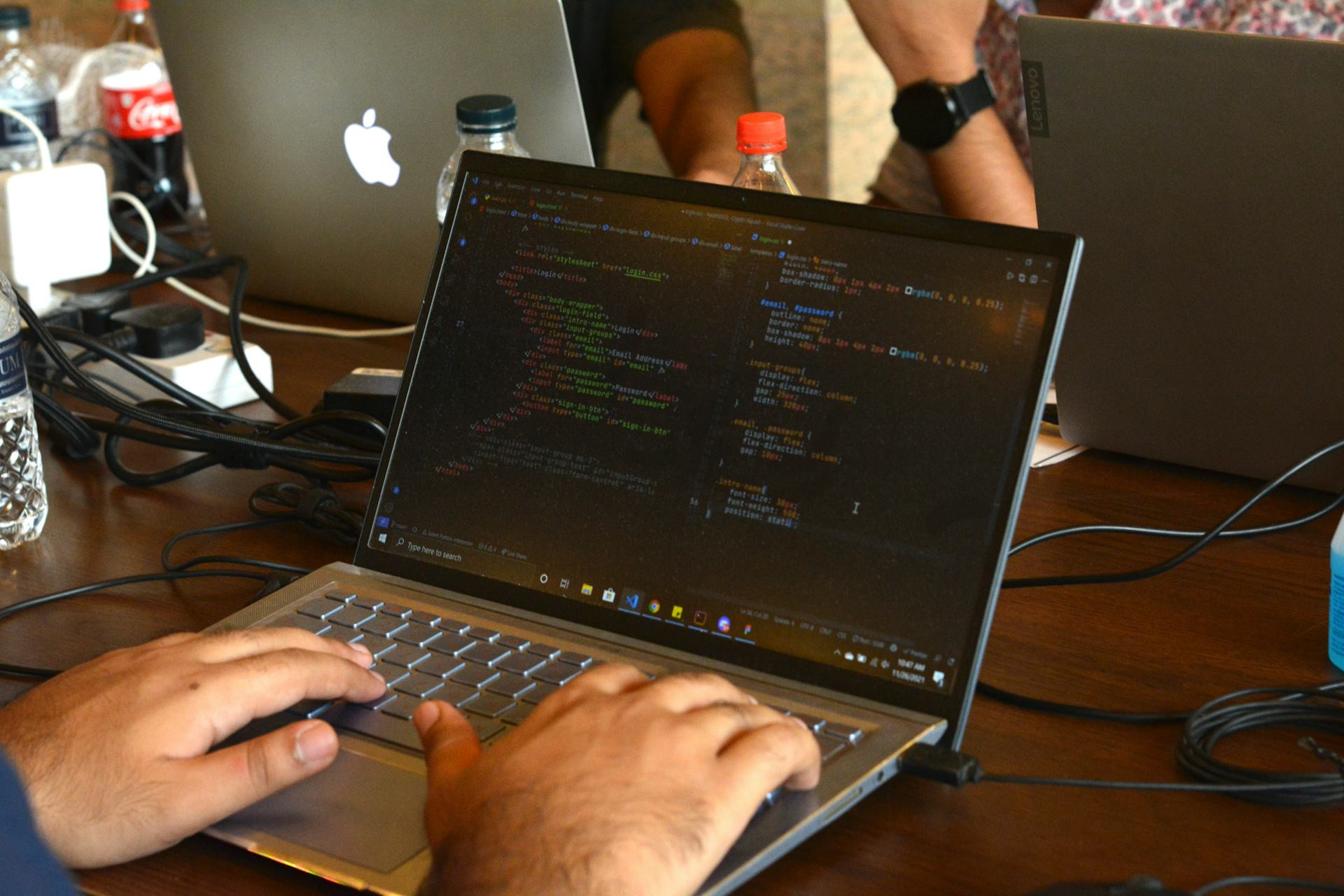
Ensure a seamless and secure data migration with careful planning and execution
Apps
Apps
4 min
Migrating to a new system doesn’t have to mean risking data loss or downtime. Learn how to plan and carry out each step of your transition—from preparation and testing to validation and optimization—to achieve a smooth, reliable move to your new platform.
Adeline Bell
Adeline
Bell

Move Data Without Loss: How to Plan Your Step-by-Step Transition to New Systems

Ensure a seamless and secure data migration with careful planning and execution
Apps
Apps
4 min
Migrating to a new system doesn’t have to mean risking data loss or downtime. Learn how to plan and carry out each step of your transition—from preparation and testing to validation and optimization—to achieve a smooth, reliable move to your new platform.
Adeline Bell
Adeline
Bell

Switching to a new IT system can be one of the most critical—and risky—projects an organization undertakes. Whether you’re implementing a new accounting platform, CRM, HR system, or cloud solution, one goal always stands above the rest: moving data without loss. A well-planned transition can save time, money, and frustration. Here’s a step-by-step guide to ensure a smooth and secure data migration.

Step 1: Understand What You’re Moving

Before diving into technical solutions, start by gaining a clear understanding of what data needs to be moved. It sounds simple, but many projects stumble right here.

Create a data inventory: What types of data exist in your current system? Where are they stored? Who uses them, and how often? This could include customer records, financial files, documents, images, or historical logs.

Once you know the scope, you can decide what to migrate, what to archive, and what to delete. This reduces clutter and ensures your new system starts clean and efficient.

Step 2: Clean and Validate Your Data

A system transition is the perfect opportunity to tidy up. Poor-quality or outdated data can cause issues in the new environment—leading to errors in reports, analytics, or customer communications.

Conduct a data quality check:

  • Remove duplicates and incomplete records.
  • Update contact details and key fields.
  • Ensure data formats match the new system’s requirements.

The cleaner your data, the smoother the migration—and the faster you’ll see value from your new system.

Step 3: Plan the Migration in Detail

A solid plan is the foundation of a calm and controlled transition. Develop a migration plan that outlines:

  • Which data will be moved and when.
  • Who is responsible for each step.
  • How testing and validation will be performed.
  • What risks exist—and how you’ll mitigate them.

It’s often wise to migrate in phases, starting with non-critical data. This allows you to test the process before tackling your most important systems.

Step 4: Test, Test—and Test Again

No data migration should happen without thorough testing. Run a test migration by transferring a sample of data to the new system. Then compare results: Did everything transfer correctly? Are formats consistent? Do integrations work as expected?

Involve end users in testing. They know the data best and can quickly spot inconsistencies. It’s also a great way to build confidence and ownership in the new system.

Step 5: Execute the Final Migration

Once testing is complete and your plan is solid, it’s time for the final migration. The goal here is to minimize downtime and disruption.

  • Schedule the transition during a low-activity period—such as overnight or on a weekend.
  • Make sure everyone involved knows when systems will be unavailable.
  • Have a rollback plan ready in case something goes wrong, so you can quickly revert to the old system if needed.

Communication is key: inform employees, customers, and partners well in advance so no one is caught off guard.

Step 6: Validate and Monitor After the Move

The work doesn’t end once the data is moved. You need to confirm that everything functions as expected. Compare reports, count records, and verify that integrations and automations are running correctly.

Consider a stabilization period, during which you closely monitor the system and quickly address any issues. Document lessons learned—these insights will be invaluable for future migrations.

Step 7: Learn and Optimize for the Future

A successful data migration isn’t just about moving information—it’s about building a stronger foundation for the future. Use what you’ve learned to improve your data management, documentation, and governance practices.

Think about how you can:

  • Automate data updates.
  • Establish clear data ownership.
  • Implement ongoing quality checks.

This way, your migration becomes more than a one-time project—it’s a step toward a more resilient, data-driven organization.

A Well-Planned Transition Pays Off

Moving data without loss takes time, structure, and teamwork—but the payoff is worth it. A new system is only as good as the data it holds. With careful planning, clear roles, and realistic testing, you can ensure a successful transition—without unpleasant surprises.

Protect Children Online: How to Secure Their Devices from Unwanted Content and Contact
Practical steps every parent can take to keep children safe in the digital world
Apps
Apps
Online Safety
Parenting
Child Protection
Cybersecurity
Digital Wellbeing
3 min
The internet opens doors to learning and fun, but it also brings risks for young users. Learn how to secure your child’s devices, set healthy boundaries, and build habits that protect them from harmful content and unwanted contact online.
Reid Turner
Reid
Turner
Move Data Without Loss: How to Plan Your Step-by-Step Transition to New Systems
Ensure a seamless and secure data migration with careful planning and execution
Apps
Apps
Data Migration
IT Systems
Digital Transformation
Project Management
Data Security
4 min
Migrating to a new system doesn’t have to mean risking data loss or downtime. Learn how to plan and carry out each step of your transition—from preparation and testing to validation and optimization—to achieve a smooth, reliable move to your new platform.
Adeline Bell
Adeline
Bell
Creativity Through Software: Develop and Visualize Your Ideas Digitally
Discover how digital tools can transform your creative process
Apps
Apps
Creativity
Digital Tools
Design
Innovation
Software
4 min
Explore how software empowers creativity across disciplines—from design and writing to music and data visualization. Learn how digital platforms, cloud collaboration, and AI can help you develop, refine, and bring your ideas to life.
Zuri Nelson
Zuri
Nelson
Open Source in Education and Research: Open Access to Knowledge and Tools
How open source is reshaping learning, research, and access to knowledge
Apps
Apps
Open Source
Education
Research
Innovation
Collaboration
7 min
Open source is revolutionizing education and research by promoting openness, collaboration, and free access to tools and information. Discover how shared software, data, and methods empower students, educators, and scientists to innovate and learn without barriers.
Hailey Evans
Hailey
Evans
Green ERP: How Systems Help Businesses Measure and Improve Sustainability
Turning enterprise systems into powerful tools for environmental progress
Apps
Apps
Sustainability
ERP Systems
Green Technology
Business Strategy
Data Management
4 min
Discover how modern ERP solutions enable companies to track, analyze, and enhance their sustainability performance. Learn how data-driven insights, cloud technology, and integrated reporting can help businesses meet green goals and regulatory demands while improving efficiency.
Ben Harris
Ben
Harris
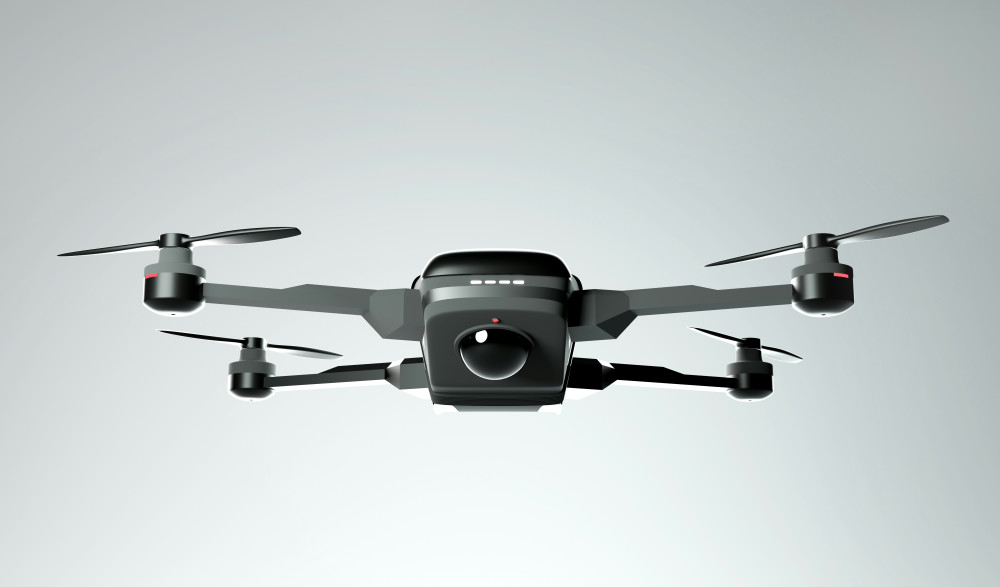
Drones and innovation – an overview of the development
Experience how drone technology unites play, work and the possibilities of the future
IT
IT
Drones
Technology
Innovation
Photo and video
Gadgets
6 min
Drones have become both smarter and more accessible. In this article, you’ll get an overview of the development, the key features and types, so that you can find the drone that best suits your needs.
Reid Turner
Reid
Turner
Various record players presented in one complete overview
Give your music new life with the right record player for your home
IT
IT
Record player
Music
Hi-fi
Sound
Home technology
4 min
Vinyl is back, and the record player has gained new popularity. Get a complete overview of features, types and brands, so you can choose the record player that best suits your taste in music and your home.
Adeline Bell
Adeline
Bell
Gaming keyboards – understand the technical differences before you choose
Get the right keyboard for your gaming style and comfort
IT
IT
Gaming keyboard
PC equipment
Gaming
Technology
Buying guide
7 min
Gaming keyboards vary in technology, comfort and features. In this article, you’ll get an overview of the most important differences so you can choose the keyboard that best suits your gaming style and budget.
Zuri Nelson
Zuri
Nelson