Cloud Storage in Everyday Life: Access Your Files Across All Devices

Cloud Storage in Everyday Life: Access Your Files Across All Devices
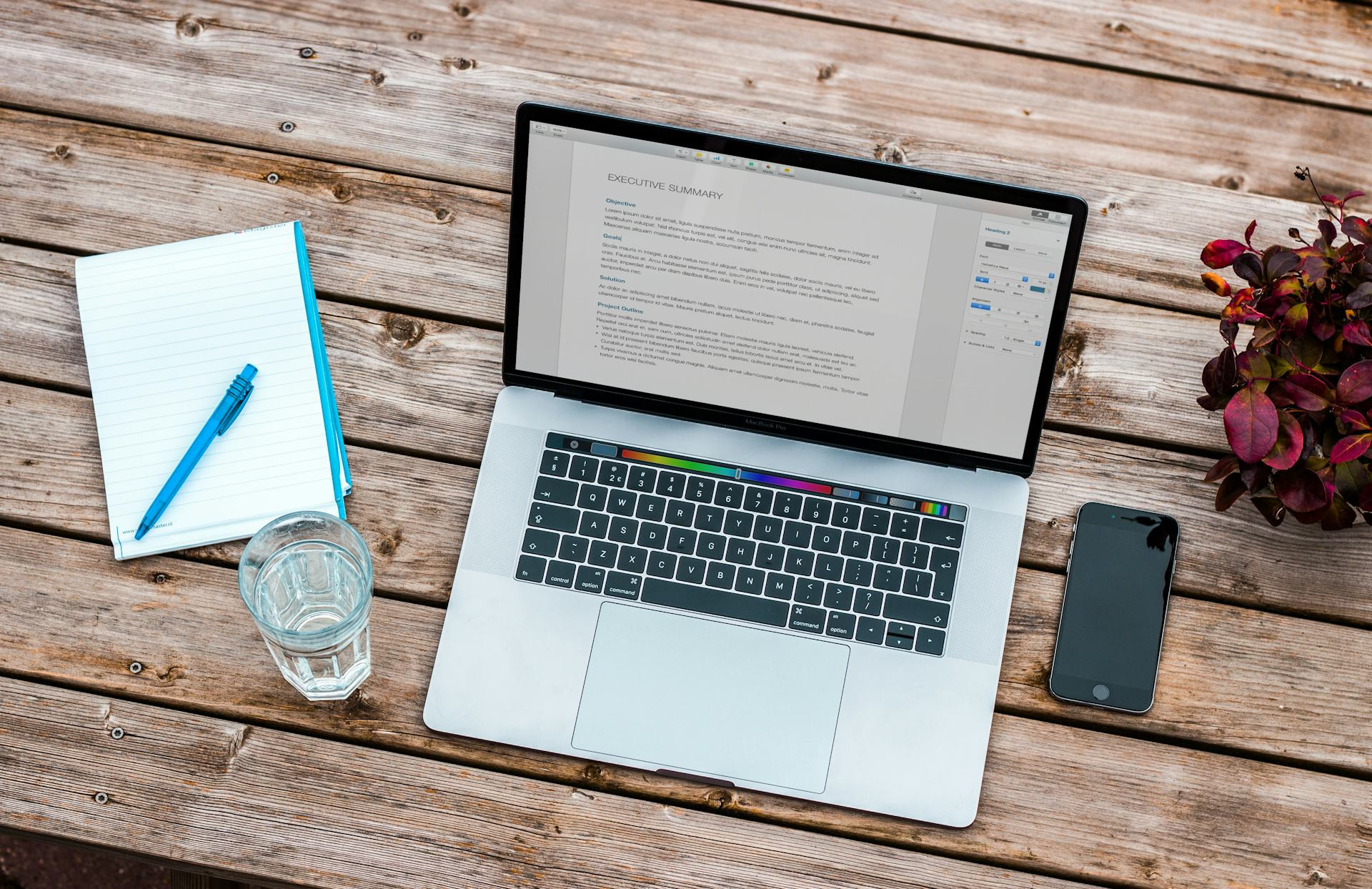
In today’s world, most of us switch between laptops, tablets, and smartphones throughout the day. Keeping track of all your files, photos, and documents across these devices can quickly become a challenge. Cloud storage has made it much easier to access everything you need—no matter where you are or what device you’re using. But how does it actually work, and how can you make the most of it in your daily life?
What Is Cloud Storage?
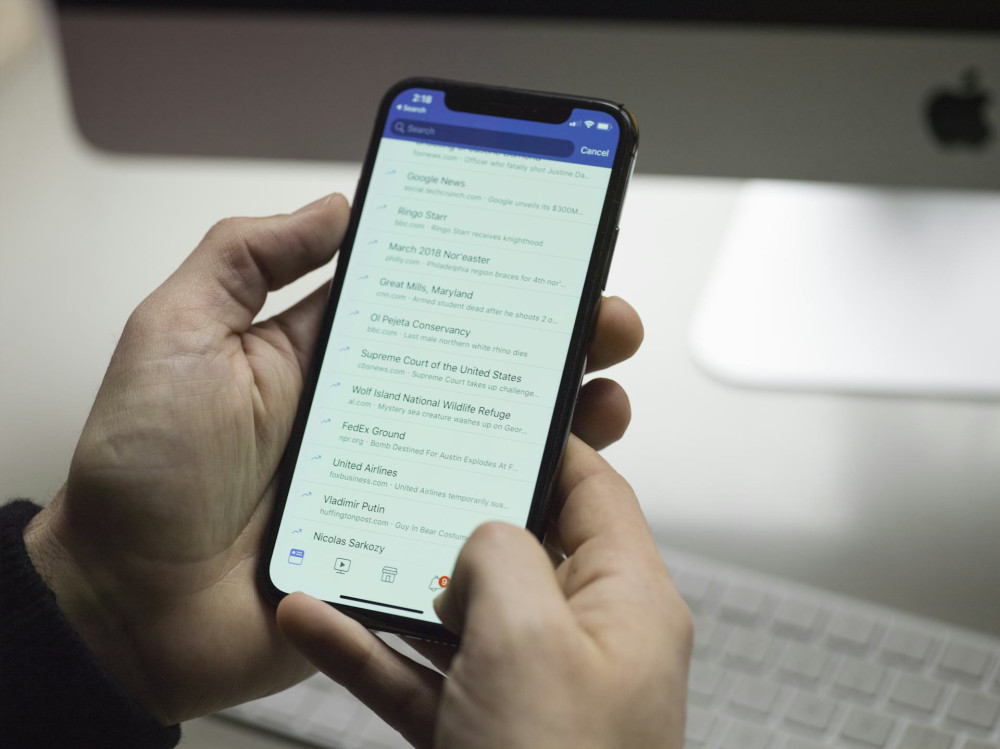
Cloud storage means your files are saved on remote servers via the internet instead of being stored only on your personal computer or phone. When you save a document to the cloud, it’s securely stored online, allowing you to retrieve it from any device with an internet connection. That means you can start a project on your laptop, continue editing it on your tablet during your commute, and show it on your phone later—without emailing files back and forth.
Some of the most popular cloud storage services include Google Drive, Dropbox, iCloud, and OneDrive, but there are many other options, both free and paid.
The Benefits of Using the Cloud
Cloud storage isn’t just about convenience—it’s also about security, collaboration, and flexibility.
- Access anywhere: Log in from any device and access your files as long as you’re connected to the internet.
- Automatic backup: Many services automatically save changes, so you won’t lose important documents if your computer crashes.
- Easy sharing and collaboration: Share folders and documents with others and work together in real time—perfect for work projects, school assignments, or family planning.
- Save space: Cloud storage frees up space on your devices since your files don’t have to be stored locally.
Choosing the Right Cloud Service
The best cloud storage solution depends on your needs and the devices you use most often.
- Apple users will likely benefit most from iCloud, which is built into iPhones, iPads, and Macs.
- Windows users may prefer OneDrive, which integrates seamlessly with Microsoft 365.
- Google Drive is a great choice if you use Android devices or rely heavily on Google Docs, Sheets, and other Workspace tools.
- Dropbox remains popular for its simplicity and strong sharing features.
Think about how much storage you need. Most services offer a limited amount of free space, but if you store lots of photos, videos, or large documents, it may be worth upgrading to a paid plan.
Security and Privacy
When storing files in the cloud, it’s natural to think about security. Most providers encrypt your data to prevent unauthorized access, but there are still good habits to follow:
- Use strong passwords and enable two-factor authentication.
- Share files only with people you trust, and review sharing permissions regularly.
- Avoid storing highly sensitive information in the cloud unless you’re confident the service meets strong security standards.
By following these steps, you can use cloud storage safely without compromising your privacy.
Cloud Storage in Everyday Life
Cloud storage can simplify many small moments in your daily routine. For example, you can:
- Take a photo on your phone and instantly view it on your computer.
- Store receipts and important documents digitally so they’re always within reach.
- Share vacation albums with family and friends without sending large attachments.
- Write notes on the go and continue working on them later from your laptop.
Once you get used to using the cloud actively, it quickly becomes a natural part of your digital life.
Læs også:


The Future of Cloud Storage
Cloud storage continues to evolve. New solutions make it easier to integrate with apps, automate backups, and collaborate across platforms. At the same time, security measures are constantly improving, giving users more confidence that their data is protected.
As our lives become increasingly digital, cloud storage will only grow in importance—for individuals, families, and businesses alike. It’s no longer just about saving files; it’s about creating a flexible, connected, and secure digital lifestyle.
Læs også: