The complete guide to cyber security for beginners
Learn the basics of cyber security and protect your digital devices with this e-book. From virus protection to strong passwords, youll get tips and tools to protect yourself from online threats and keep your data safe.
Download guide

What Exactly Is an App? The Difference Between Mobile Apps, Websites, and Computer Programs

Understand what makes an app an app — and how it differs from websites and traditional software
Units
Units
3 min
The term “app” is used everywhere, but not all apps are the same. This article breaks down the differences between mobile apps, web apps, and computer programs, explaining how each works and why these distinctions matter in today’s digital world.
Reid Turner
Reid
Turner

What Exactly Is an App? The Difference Between Mobile Apps, Websites, and Computer Programs

Understand what makes an app an app — and how it differs from websites and traditional software
Units
Units
3 min
The term “app” is used everywhere, but not all apps are the same. This article breaks down the differences between mobile apps, web apps, and computer programs, explaining how each works and why these distinctions matter in today’s digital world.
Reid Turner
Reid
Turner

The word app gets thrown around a lot these days — from games on your phone to software on your laptop and even online services you use in your browser. But what does it actually mean when we talk about an “app”? And how is a mobile app different from a website or a traditional computer program? Here’s a clear overview that helps you understand the differences — and why they matter in the way we use technology every day.

What Is an App?

An app is short for application — a piece of software designed to perform a specific task for the user. That could mean sending messages, editing photos, managing your finances, or streaming music. While most people today associate the word with smartphones, it actually covers many types of software across different devices.

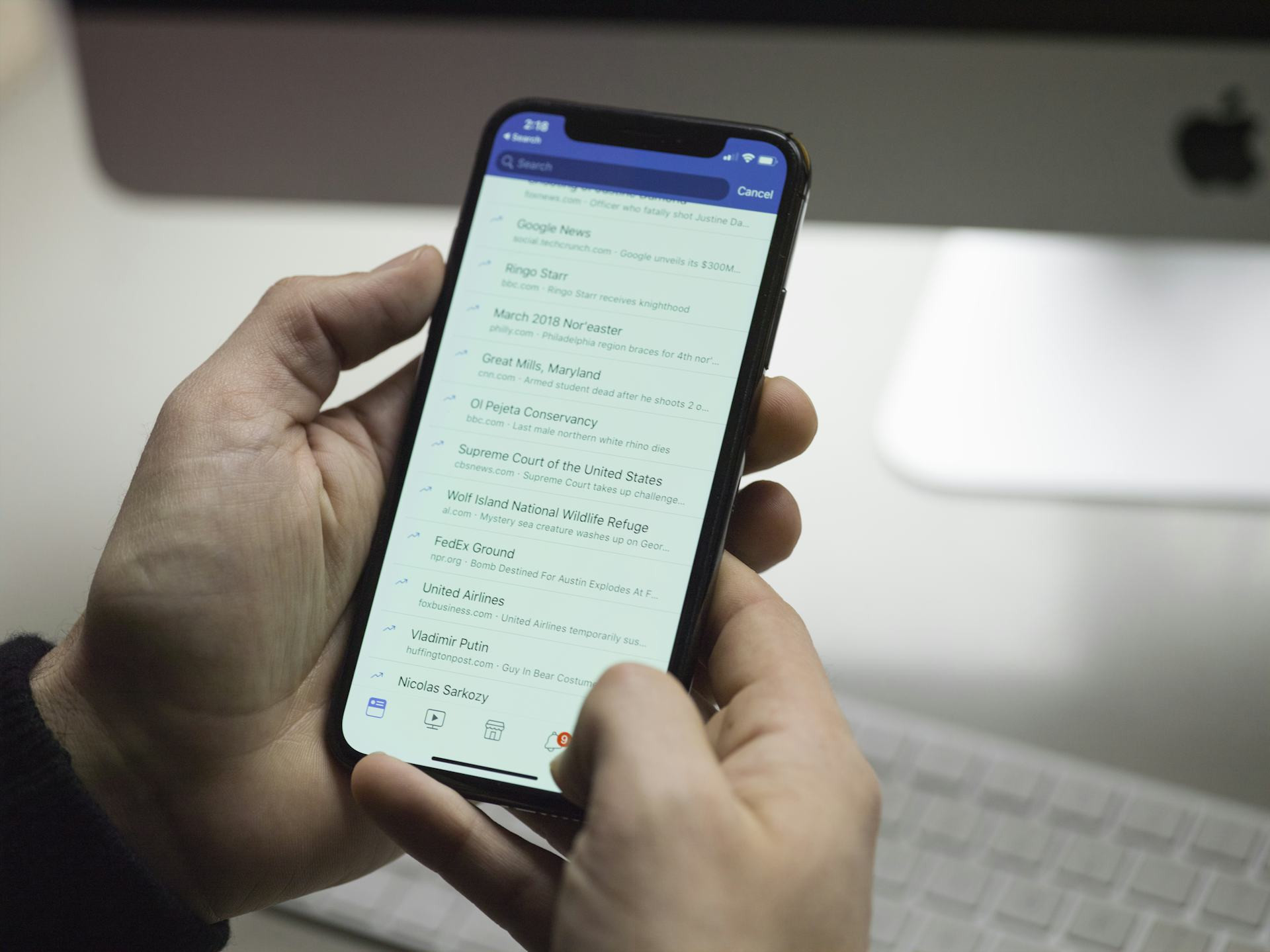
When you open an app on your phone, you’re using a program built specifically for your device’s operating system — for example, iOS (Apple) or Android (Google). These apps are usually downloaded from an app store like the Apple App Store or Google Play and installed directly on your device.

Mobile Apps – Designed for Life on the Go

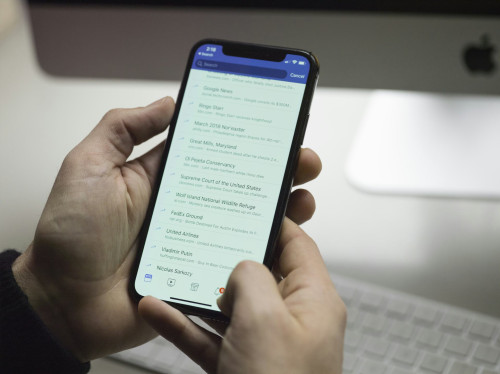
Mobile apps are built to work on small screens and with touch controls. They take advantage of your phone’s built-in features like the camera, GPS, microphone, and sensors, making them fast and convenient to use.

There are two main types of mobile apps:

  • Native apps – developed specifically for one operating system. They run smoothly and efficiently but must be built separately for each platform.
  • Hybrid or web-based apps – created using web technologies like HTML and JavaScript but packaged as an app. They can run on multiple platforms, though they may be slightly slower.

Mobile apps are perfect for quick, frequent tasks — checking messages, taking photos, or navigating with maps.

Websites and Web Apps – Everything in the Browser

A website is what you visit through a browser like Chrome, Safari, or Edge. It doesn’t require installation and works across devices. As internet speeds and browser capabilities have improved, many websites have evolved into web apps — interactive services that feel much like traditional apps.

Examples include online banking, email services like Gmail, or productivity tools like Google Docs. These run directly in your browser but can store data, work offline, and even send notifications — almost like a mobile app.

The advantage of web apps is that they’re always up to date and accessible from any device with an internet connection. The downside is that they rely on a browser and often can’t access all of a device’s hardware features.

Computer Programs – The Classic Software

Before mobile and web apps, there were traditional computer programs — software you install on your PC or Mac. These include word processors, photo editors, games, or accounting tools.

Such programs are often more powerful and capable of handling large amounts of data. They can offer advanced features that mobile apps can’t easily match. However, they usually need manual updates and are tied to the computer they’re installed on.

Today, the lines are blurring. Many well-known programs — like Microsoft Office or Adobe Photoshop — now exist both as traditional desktop software and as web or mobile versions.

Why the Difference Matters

Understanding the difference between these types of apps isn’t just about tech jargon — it’s about how you use them. A mobile app is quick and accessible but may have limited features. A web app offers flexibility but depends on an internet connection. A computer program is powerful but less portable.

When choosing what to use — for work, entertainment, or communication — it’s worth considering what matters most to you: speed, flexibility, or functionality.

The Future: Blurring Boundaries

Technology is moving toward a world where these distinctions matter less. New approaches like Progressive Web Apps (PWAs) let you install web apps directly on your phone, while cloud computing makes heavy-duty software available through the internet.

For users, that means the experience — not the technology behind it — is what really counts. Whether you open an app, a program, or a website, what matters most is that it works quickly, securely, and intuitively.

What Exactly Is an App? The Difference Between Mobile Apps, Websites, and Computer Programs
Understand what makes an app an app — and how it differs from websites and traditional software
Units
Units
Apps
Mobile Technology
Software
Web Development
Digital Trends
3 min
The term “app” is used everywhere, but not all apps are the same. This article breaks down the differences between mobile apps, web apps, and computer programs, explaining how each works and why these distinctions matter in today’s digital world.
Reid Turner
Reid
Turner
Keep Your System Secure: Why You Should Always Update Your Software
Stay protected and keep your devices running smoothly with regular software updates
Units
Units
Cybersecurity
Software Updates
Data Protection
Technology
Digital Safety
3 min
Ignoring software updates can leave your devices vulnerable to security threats and performance issues. Learn why timely updates are essential for protecting your data, improving functionality, and ensuring long-term reliability across all your devices.
Adeline Bell
Adeline
Bell
Cloud Storage in Everyday Life: Access Your Files Across All Devices
Simplify your digital life with seamless file access wherever you are
Units
Units
Cloud Storage
Technology
File Management
Data Security
Digital Lifestyle
5 min
Discover how cloud storage helps you keep your files, photos, and documents organized and accessible across all your devices. Learn how it works, what benefits it offers, and how to choose a secure and reliable service for everyday use.
Zuri Nelson
Zuri
Nelson
From Dial-Up to Gigabit: The Evolution of the Internet Over the Years
From the first dial-up tones to blazing-fast fiber, discover how the internet reshaped the way we live, work, and connect.
Units
Units
Internet History
Technology
Connectivity
Digital Evolution
Broadband
7 min
Trace the remarkable journey of the internet—from its humble beginnings in the dial-up era to today’s gigabit speeds. Explore the key milestones that revolutionized communication, business, and everyday life, and get a glimpse of what the next generation of connectivity might bring.
Hailey Evans
Hailey
Evans
In-ear, on-ear or over-ear? How to choose the headphones that suit you best
Find the perfect balance between comfort, sound quality, and style
Units
Units
Headphones
Audio
Music
Technology
Buying Guide
7 min
Whether you’re a music lover, a frequent traveler, or someone who just wants great audio for work and play, choosing the right headphones can make all the difference. Learn the pros and cons of in-ear, on-ear, and over-ear models—and discover which type best fits your lifestyle.
Ben Harris
Ben
Harris
Drones and innovation – an overview of the development
Experience how drone technology unites play, work and the possibilities of the future
IT
IT
Drones
Technology
Innovation
Photo and video
Gadgets
6 min
Drones have become both smarter and more accessible. In this article, you’ll get an overview of the development, the key features and types, so that you can find the drone that best suits your needs.
Reid Turner
Reid
Turner
Various record players presented in one complete overview
Give your music new life with the right record player for your home
IT
IT
Record player
Music
Hi-fi
Sound
Home technology
4 min
Vinyl is back, and the record player has gained new popularity. Get a complete overview of features, types and brands, so you can choose the record player that best suits your taste in music and your home.
Adeline Bell
Adeline
Bell
Gaming keyboards – understand the technical differences before you choose
Get the right keyboard for your gaming style and comfort
IT
IT
Gaming keyboard
PC equipment
Gaming
Technology
Buying guide
7 min
Gaming keyboards vary in technology, comfort and features. In this article, you’ll get an overview of the most important differences so you can choose the keyboard that best suits your gaming style and budget.
Zuri Nelson
Zuri
Nelson