Get Your Home Network Ready for the Future of Digital Work

Get Your Home Network Ready for the Future of Digital Work
Remote work is here to stay. Across the United States, more companies are embracing flexible work models, and millions of people now rely on video meetings, cloud platforms, and collaboration tools from their living rooms, kitchens, or home offices. But to work efficiently, you need a network that’s fast, stable, and secure. Here’s how to get your home network ready for the future of digital work.
Start by Assessing Your Current Setup
Before investing in new equipment, take stock of how your current network performs. Run an online speed test and compare the results with the speeds promised by your internet service provider (ISP). If you notice big fluctuations, the issue could be your router, wiring, or even where your equipment is placed.
Also, check how many devices are connected. In most American homes, everything from laptops and tablets to smart TVs, gaming consoles, and smart speakers compete for bandwidth. The more devices you have, the more strain on your network.
Læs også:


Upgrade Your Connection – and Choose the Right Technology
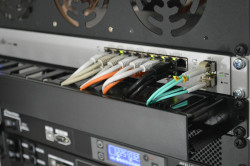
If you often experience lag during video calls or slow uploads, it might be time to upgrade your internet plan. Fiber-optic connections are the gold standard for speed and reliability, but modern cable and 5G home internet options can also deliver impressive performance.
Consider how many people in your household work, stream, or game simultaneously. As a rule of thumb, aim for at least 200 Mbps download and 100 Mbps upload if multiple users need to work and hold meetings at the same time. Many ISPs in the U.S. now offer gigabit plans that can easily handle heavy workloads and future demands.
The Router – The Heart of Your Network
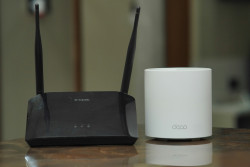
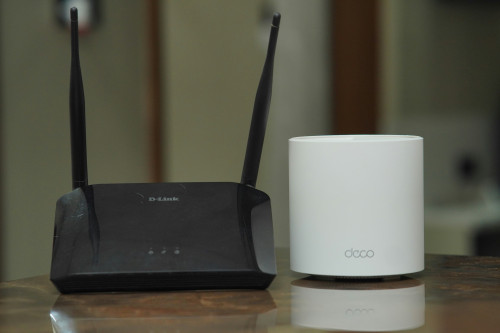
Even the fastest internet connection can be slowed down by an outdated or poorly placed router. A modern router with Wi-Fi 6 or Wi-Fi 6E technology provides faster speeds, better coverage, and improved performance for homes with many connected devices.
Place your router in a central, open location—away from walls, metal objects, and furniture that can block the signal. Avoid hiding it in a cabinet or behind your TV. If you live in a larger home, consider a mesh Wi-Fi system. It uses multiple access points that work together to ensure strong, consistent coverage throughout your house.
Make Security a Priority
Working from home often means handling sensitive company data, so network security is essential. Change the default password on your router and use a strong, unique password for your Wi-Fi. Keep your router’s firmware up to date—manufacturers regularly release updates that fix vulnerabilities.
It’s also smart to set up a separate guest network for visitors and smart home devices like cameras, thermostats, and voice assistants. This helps protect your work devices and data from potential security risks.
Optimize for Video Calls and Cloud Work
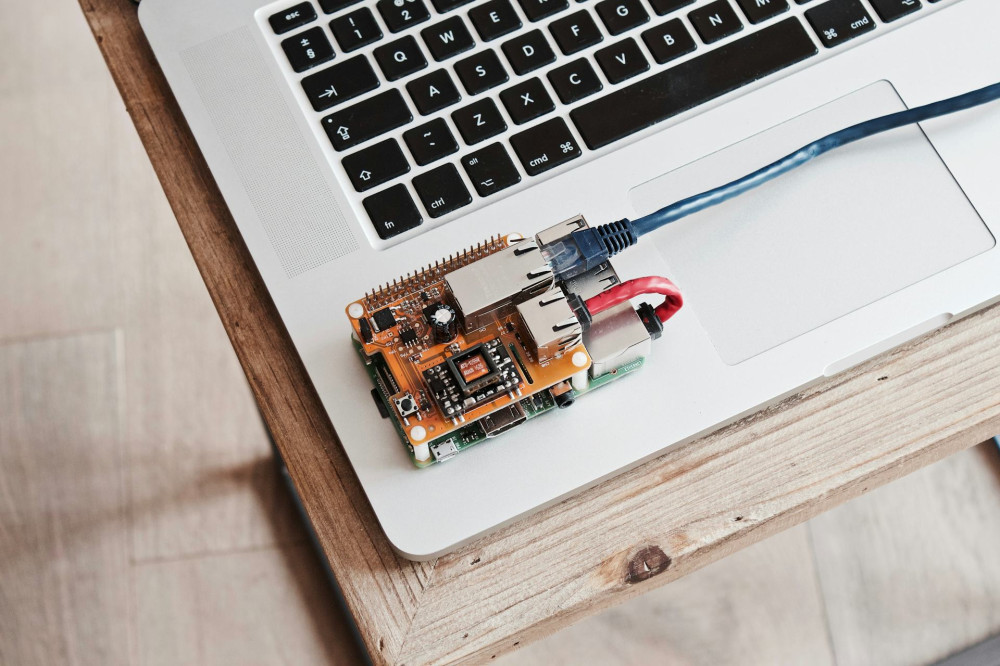
Video conferencing and cloud-based tools demand stable connections and solid upload speeds. If you experience dropouts or lag, try connecting your computer directly to the router with an Ethernet cable. A wired connection is always more reliable than Wi-Fi.
Close bandwidth-heavy apps while you’re working, and schedule large downloads or system updates outside of your work hours. If your video calls still stutter, check whether your router supports Quality of Service (QoS) settings, which let you prioritize traffic for work-related applications.
Build for Flexibility
The way we work is evolving fast. Many U.S. companies are adopting hybrid models, where employees split their time between home and the office. That means your home network needs to adapt to changing demands—both technical and practical.
Invest in equipment that can be updated or expanded, so you won’t have to start from scratch as technology advances. Look for routers and modems that support future standards and can handle more connected devices over time.
A Network That Works for You
A great home network isn’t just about speed—it’s about stability, security, and flexibility. By taking the time to optimize your setup, you’ll not only make your workdays smoother and more productive, but also prepare your home for the digital challenges of tomorrow.
Læs også: