How to Choose and Optimize the Best Internet Solution for PC, Console, and Mobile Gaming

How to Choose and Optimize the Best Internet Solution for PC, Console, and Mobile Gaming
A fast and stable internet connection is the foundation of a great gaming experience—whether you play on PC, console, or mobile. Lag, disconnects, and slow downloads can ruin even the best games, but with the right connection and setup, you can minimize issues and get the most out of your gear. Here’s a guide to help you choose and optimize the best internet solution for gaming at home.
Understand What Matters Most for Gaming
When it comes to online gaming, speed isn’t the only thing that counts. Several factors affect your experience:
- Ping (latency) – the time it takes for data to travel between your device and the game server. A low ping (under 30 ms) means faster response times, which is crucial for competitive play.
- Stability – a consistent connection without drops or major fluctuations in speed.
- Upload speed – important if you stream, share clips, or play games that require constant data exchange.
- Connection type – fiber, cable, 5G, or DSL each have different strengths and weaknesses.
Understanding these factors makes it easier to choose the right solution for your needs.
Choose the Right Internet Connection
Fiber – The Gold Standard for Gamers
Fiber internet offers the fastest and most stable connection with low latency and symmetrical speeds (equal upload and download). It’s the best option if it’s available in your area—especially for households with multiple gamers or streamers.
Cable – A Reliable Alternative
Cable internet can deliver high speeds, but bandwidth is often shared with neighbors in your area, which can cause slowdowns during peak hours. Still, for most gamers, cable performs very well and is widely available across the U.S.
5G and Fixed Wireless – Flexible but Variable
5G can provide impressive speeds and low latency, but performance depends on signal strength and network congestion. It’s a good option if fiber isn’t available, but you’ll need a quality router and a strong signal from a nearby tower.
DSL – The Last Resort
DSL uses older copper phone lines and is generally slower and less stable. It can work for casual gaming but rarely meets the demands of competitive online play.
How to Optimize Your Home Network
Even the best internet plan can underperform if your home setup isn’t right. Follow these steps to get the most out of your connection:
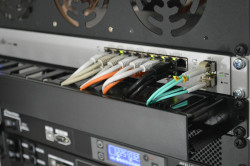
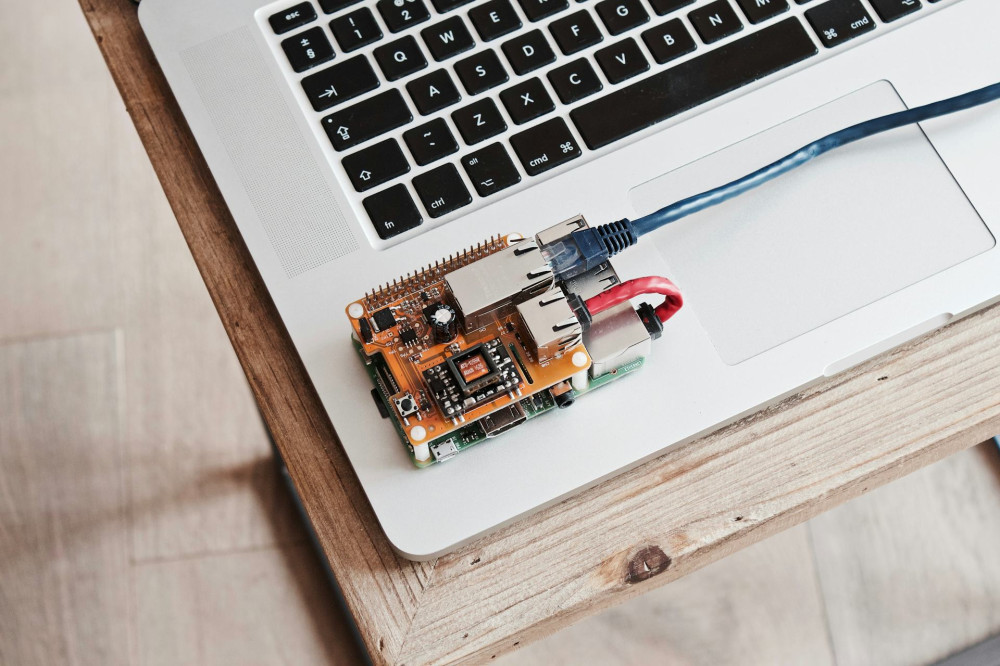
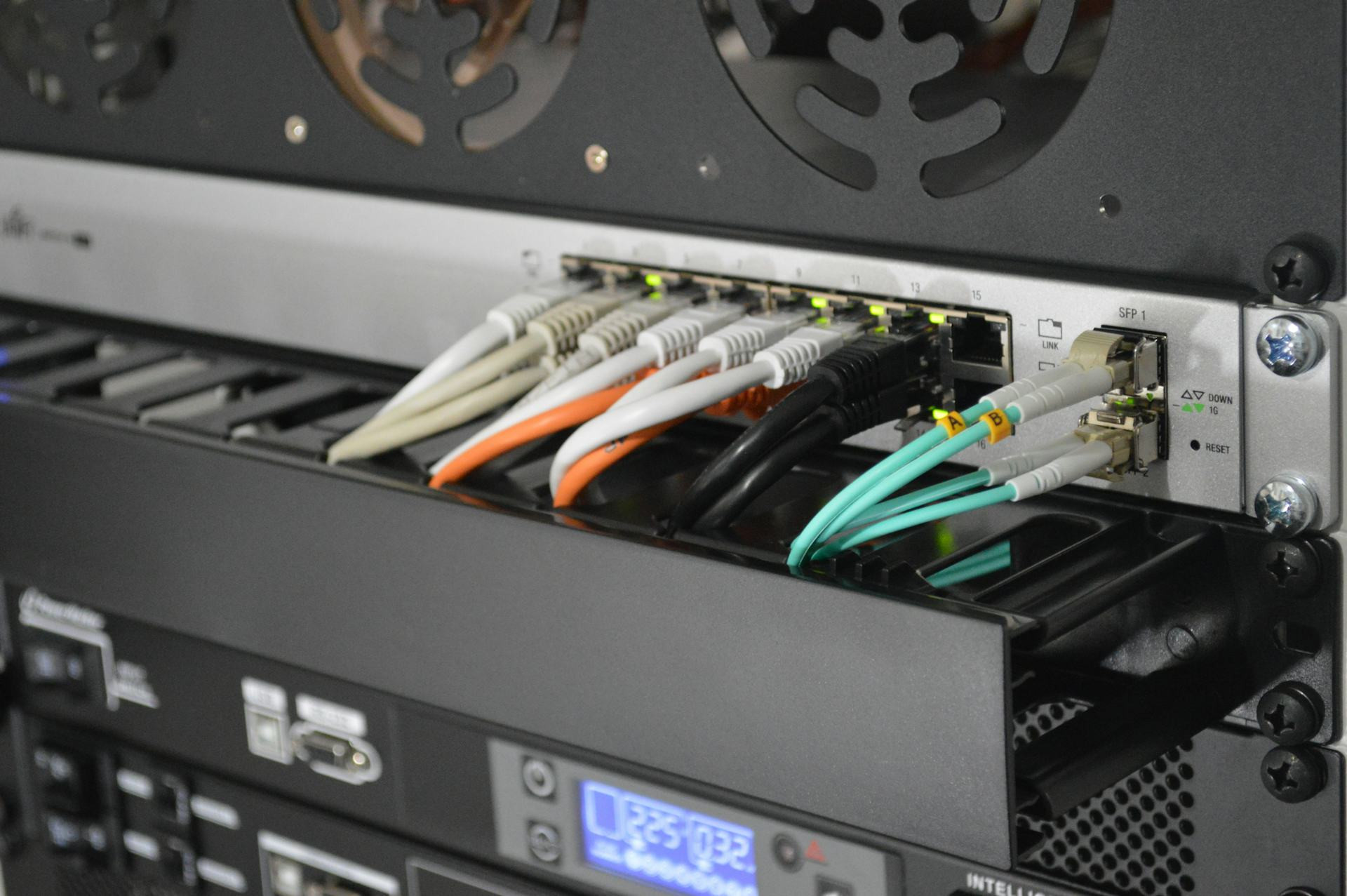
- Use a wired connection whenever possible – Ethernet is far more stable and faster than Wi-Fi.
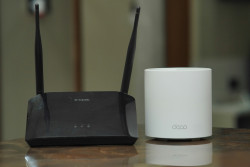
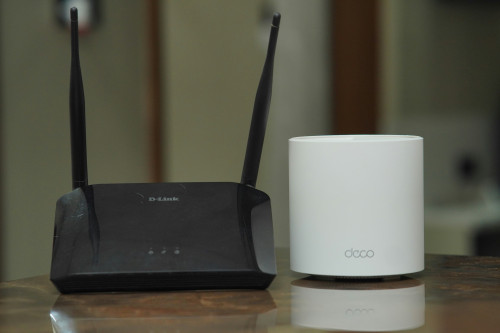
- Upgrade your router – older routers can bottleneck your connection. Look for models with gaming features, low latency, and support for Wi-Fi 6 or newer.
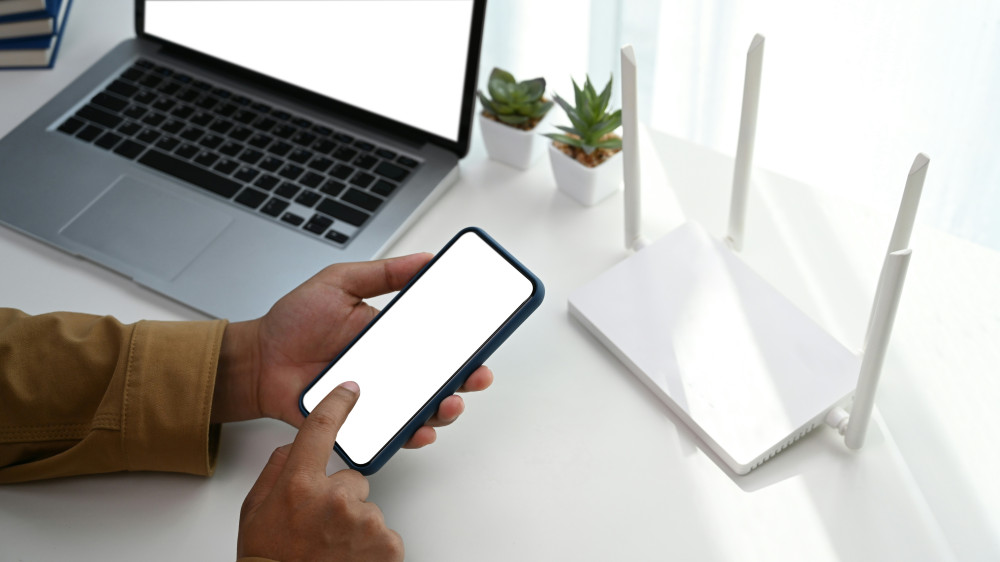
- Place your router strategically – keep it in a central, open location. Avoid hiding it behind furniture or in corners.
- Prioritize gaming traffic – many routers include “Quality of Service” (QoS) settings that let you give gaming traffic higher priority over streaming or downloads.
- Keep firmware updated – make sure your router and devices have the latest software for better performance and security.
Managing Shared Networks
In many homes, multiple people stream, download, and game at the same time. This can create bottlenecks, especially if your connection isn’t fast enough.
Consider:
- Upgrading to a higher speed plan if several users are online simultaneously.
- Using a mesh Wi-Fi system to eliminate dead zones in larger homes.
- Scheduling large downloads or updates for times when you’re not gaming.
Læs også:


Mobile Gaming – Getting the Most from 4G and 5G
Mobile gaming has become more advanced, and many titles now require a stable connection. To improve your experience:
- Ensure strong signal coverage – play near a window or in areas with good reception.
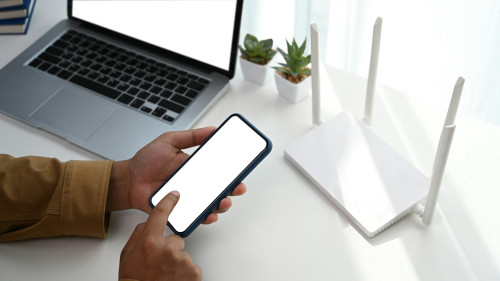
- Use Wi-Fi instead of mobile data whenever possible.
- If you play on the go, 5G can offer lower latency than 4G, but keep an eye on your data usage.
- Consider a mobile plan with unlimited data or prioritized network access if you game frequently.
Test and Monitor Your Connection
It’s a good idea to test your connection regularly. Use tools like Speedtest.net or Fast.com to measure your speed and ping. If you notice issues:
- Compare your results to what your provider promises.
- Contact your ISP if there’s a significant difference.
- Check your own equipment—router, cables, or placement—before assuming the problem is external.
The Best Solution Is the One That Fits Your Needs
There’s no single internet solution that’s perfect for everyone. A professional esports player has different requirements than a casual gamer who plays a few hours a week. The key is to find a connection that matches your gaming habits, home setup, and budget—and to optimize it for the best possible performance.
With the right combination of technology, equipment, and setup, you can ensure your gaming experience is fast, stable, and frustration-free—whether you play on PC, console, or mobile.
Læs også: